
Free is a plan, not a trial.
Start taking bookings for $0. Choose Solo for one bookable provider or Growth for a team. No booking commission on any plan.
Free
Get your page live and start taking bookings.
No card required
- 1 bookable provider
- Up to 4 new bookings a month
- Public booking page and permanent QR
- Waitlist and client booking history
- Basic reviews
- Apple and Google Wallet QR pass, where supported
- 100 emails a month
Solo
For the independent pro running their own chair.
1 bookable provider included
- Everything in Free, with no booking cap
- Website booking embed
- Google, Outlook and Apple Calendar Sync
- Services, Customers and Reviews workspaces
- Manual approval and follow-up recommendations
- Per-service booking add-ons
- Your brand colour on emails and booking buttons
- 1,000 emails a month, SMS through Wallet
- One-time $5 Wallet credit
- Optional Admin (no calendar) $10/month
Growth Most popular
For shops and salons with a team.
4 team seats included
- Everything in Solo, plus
- Set each seat as Bookable or Admin (no calendar)
- Individual schedules, hours and breaks for Bookable seats
- Your brand colour on emails and booking buttons
- Clients pick a provider or "No preference"
- 5,000 emails a month, SMS through Wallet
- One-time $10 Wallet credit
- Priority support
- Seats 5 to 8 are $10/month each
Custom
For teams with 9 or more seats.
- Multiple locations
- Invoiced or sales-assisted agreement
- Terms shaped around your setup
Growth supports up to 8 seats. Contact us when you need 9 or more.
Talk to usKnow the total before you add a seat.
Solo has one Bookable seat and can add one Admin seat. Growth includes 4 seats in any mix, with paid seats 5 to 8. Count a bookable owner and every other login. A non-bookable owner does not use a seat.
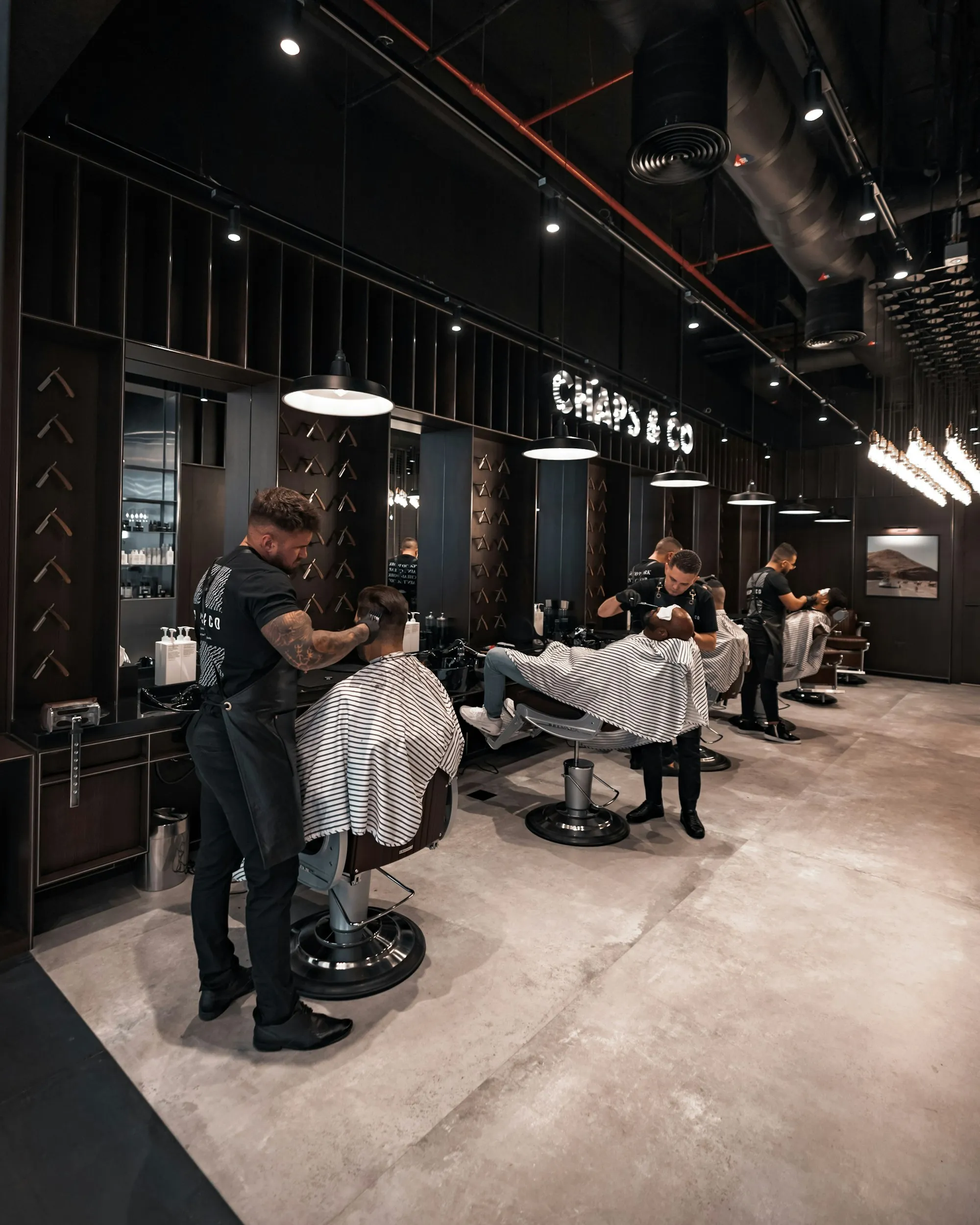
Just you, with up to 4 new bookings a month? Free covers that at $0.
Solo's second seat must be Admin (no calendar). Growth seats can be Bookable or Admin. Contact us for 9 or more seats.
Email is included. Text reminders when you want them.
Every plan includes appointment emails. Paid plans can use SMS and extra email through a prepaid Communication Wallet when a supported message route is ready.
No SMS. Email pauses at the limit until next month or an upgrade.
SMS where a supported message route is ready, plus extra email through Wallet. One-time $5 credit.
SMS where a supported message route is ready, plus extra email through Wallet. One-time $10 credit.
The Wallet only pays for messages. It never holds customer payments or your revenue.
Everything side by side.
Swipe sideways to see every plan
| Feature | Free$0 forever | Solo$20/month | Growth$45/month | CustomSales-assisted |
|---|---|---|---|---|
| Plan basics | ||||
| Business locations | 1 | 1 | 1 | Discuss with us |
| Seats included | 1 Bookable | 1 Bookable | 4 Bookable or Admin | 9+ by agreement |
| Paid seats | Not available | 1 Admin for $10/month | $10/month each for seats 5 to 8 | By agreement |
| New bookings | 4 a month | No monthly cap | No monthly cap | By agreement |
| Booking | ||||
| Public booking page and permanent QR | ||||
| Online booking and waitlist | ||||
| Website booking embed | Not included | By agreement | ||
| Google, Outlook and Apple Calendar Sync | Not included | By agreement | ||
| Manual approval and follow-up recommendations | Not included | |||
| Per-service booking add-ons | Not included | By agreement | ||
| Your brand colour on emails and booking buttons | Not included | By agreement | ||
| "No preference" provider booking | One provider | By agreement | ||
| Customers and reviews | ||||
| Client booking history and basic reviews | Inside Booking | By agreement | ||
| Services, Customers and Reviews workspaces | Not included | By agreement | ||
| Team | ||||
| Team workspace | Not included | By agreement | ||
| Individual schedules, hours and breaks | Not included | Not included | ||
| Email and SMS | ||||
| Appointment emails | 100 a month | 1,000 a month, then Wallet | 5,000 a month, then Wallet | By agreement |
| SMS notifications | Not included | Through Wallet, when supported | Through Wallet, when supported | By agreement |
| Wallet top-ups and auto-recharge | Not included | By agreement | ||
| One-time Wallet credit | Not included | $5 | $10 | By agreement |
| Support | ||||
| Support | Regular | Regular | Priority | By agreement |
Free counts a booking once when it's created. Cancellations and no-shows don't give that month's allowance back. Paid plans are subject to reasonable fair use. Calendar Sync works with supported, connected calendars. SMS requires a ready supported message route, customer consent and preferences, and enough Wallet credit.
Change plans or cancel. Keep your Ongati.
Move between Solo and Growth without starting over.
Open Plan & Billing, preview the exact charge or credit, then confirm. Your base plan and paid seats always use the same billing period.
Cancel a paid plan and drop back to Free.
Paid access runs to the end of your billing period. Then your business returns to Free Booking.
Stays
- Public booking page
- Permanent booking QR
- Appointments and history
- Customer and review records
- Wallet balance and billing records
Pauses
- Paid workspaces and Calendar Sync
- Website booking embed
- SMS, extra email and top-ups
- Extra team access pauses. Records stay.
Pricing, answered.
Tell us how you work and we'll point you to the right plan. Moving from another booking system? We'll help with that too.
Talk to usIs Free a trial?
What's included on Free?
Which plan fits one provider?
When does Growth make sense?
How are seats billed?
Can I put booking on my own website?
How do email and SMS work?
What is the Communication Wallet?
Can I switch between monthly and yearly?
Do I lose my QR if I cancel?
I'm on the old Standard plan. What happens?
What is Custom?

Start free. Choose more only when you need it.
Create your page and permanent QR today. Solo and Growth add tools on top, without taking anything away from Free.
No card required.