Add online booking to your website without rebuilding it
Your website already gets visitors. Here's how to let them book on the spot, without sending them off to another app.
In this post
A lot of service business websites end the same way: a "Book now" button that sends people somewhere else, or a contact form that starts days of back-and-forth. Every extra step is a chance for a customer to give up.
Why booking on your own site matters
Someone who found your website already likes what they see. If the next step is a new app, a new logo and a new login, some of them will close the tab. Keep them on your site and the path from "this looks good" to "I'm booked" stays short.
- Customers stay on your site from browse to booked
- Your brand stays front and center the whole time
- Nothing new for customers to download or learn
How the Ongati booking embed works
The website booking embed puts your Ongati booking right on your website. It shows the same services, prices and availability as your Ongati page.
Every booking lands in the same Ongati calendar as bookings from your page and your QR. One calendar, wherever the customer starts.
Plans: The website booking embed is included on Solo and Growth.
Where to put it
- A dedicated Book page, linked from your main menu
- Near the top of your home page, so visitors don't have to hunt for it
- On each service page, next to the service it books
Keep the word "Book" in your menu. It's the first thing most visitors look for.
Adding it to your site
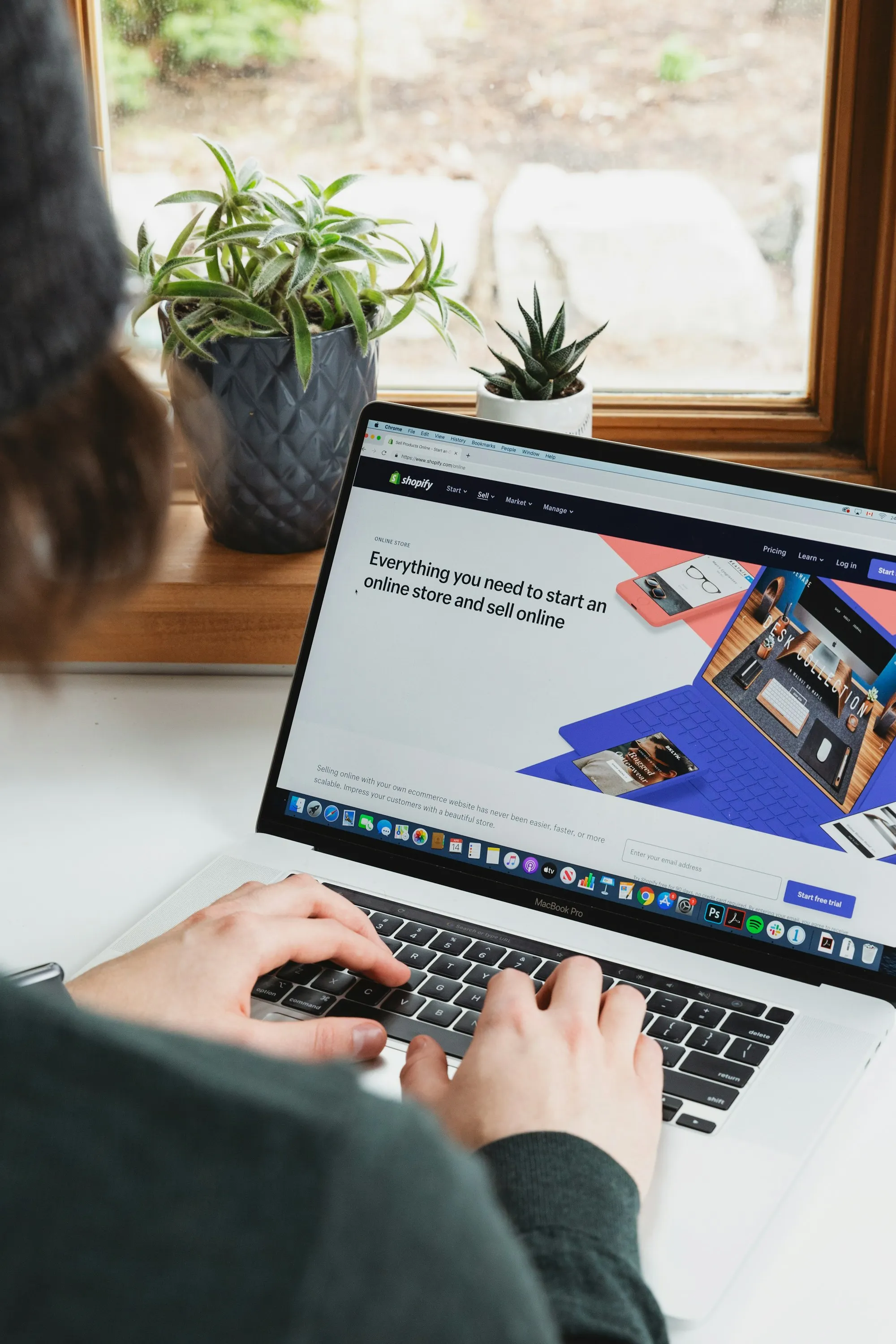
Turn on the booking embed in your Ongati account, then add it with your website builder's embed or custom HTML block. Most builders have one, including WordPress, Wix and Squarespace. If you work with a web designer, send it to them. We're happy to walk either of you through it.
Then test it like a customer would. Book an appointment from your phone, check that it shows up in Ongati, and cancel it.
No website? You may not need one
Your Ongati page works as a booking page on its own. Put its link in your Instagram bio and on your Google Business Profile, and print your QR. If you add a website later, the embed is ready when you are.
Keep your website. Add booking.
The booking embed comes with Solo and Growth.
Ongati is built in Virginia Beach, Virginia, with support designed around a human touch.